Export directly into Figma
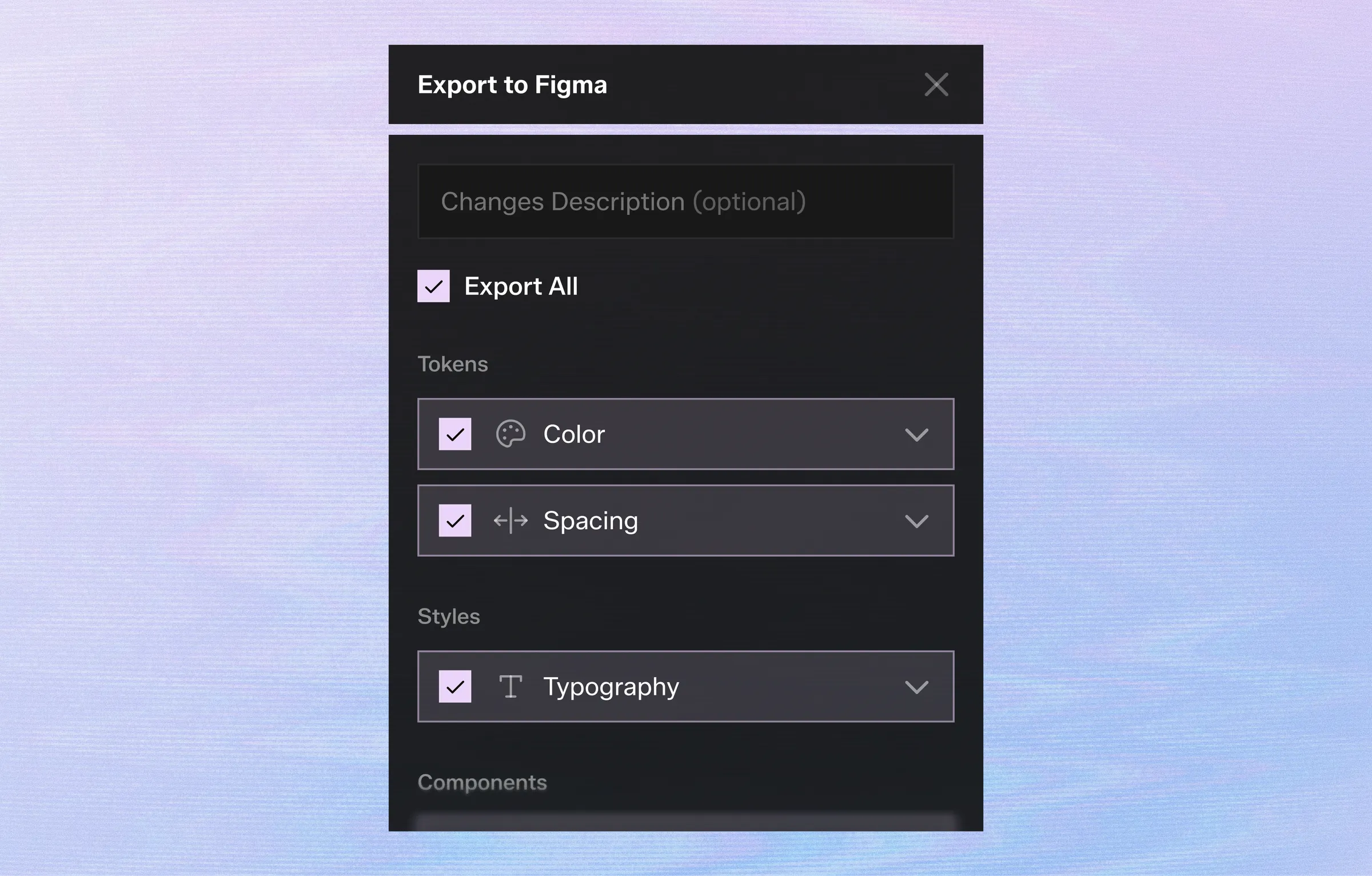
Once your design system is ready, send everything into your Figma file with one click.
Choose exactly what you want to export:
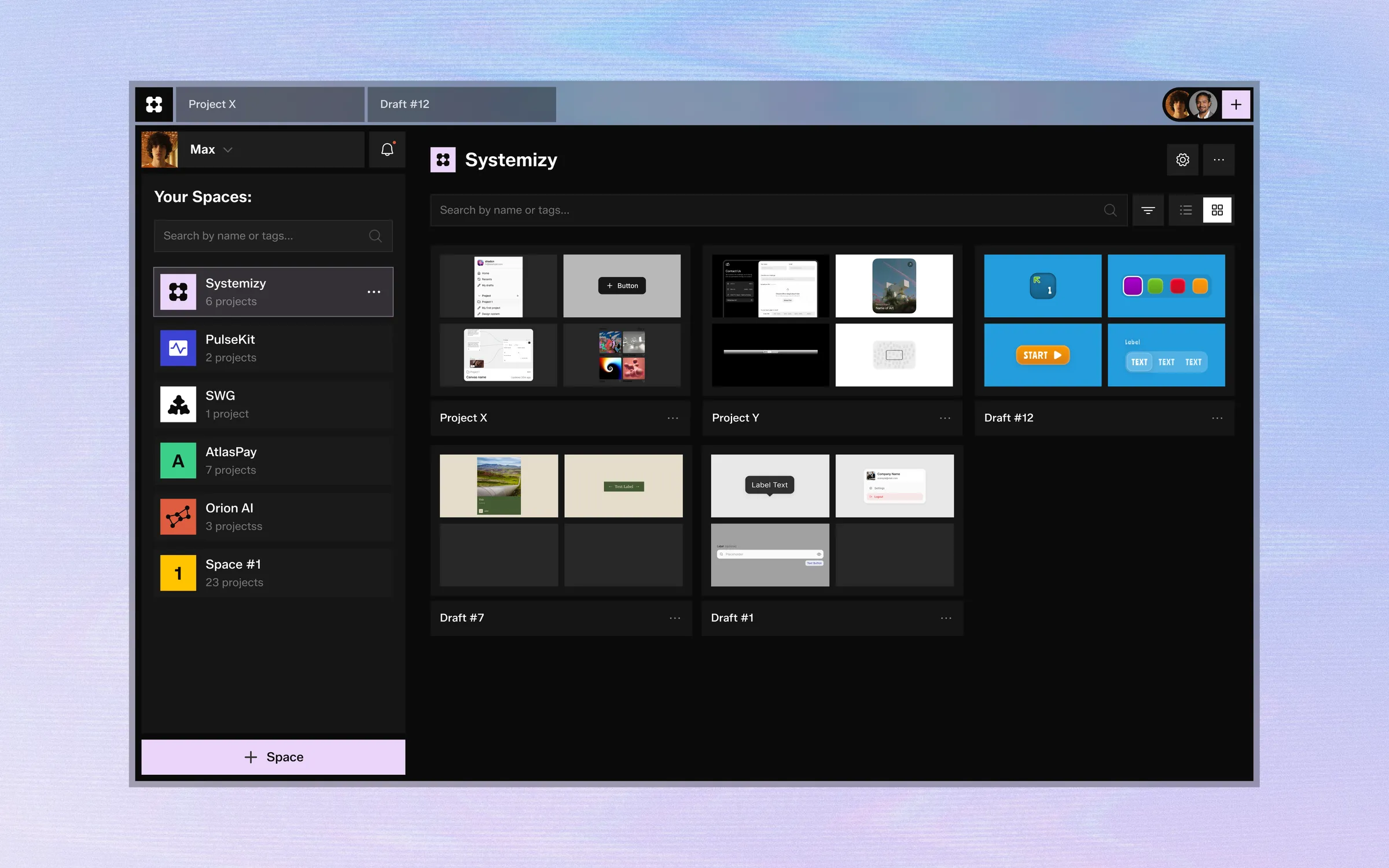
Generate components, tokens and styles with AI. Organize everything in workspaces and export directly to Figma.

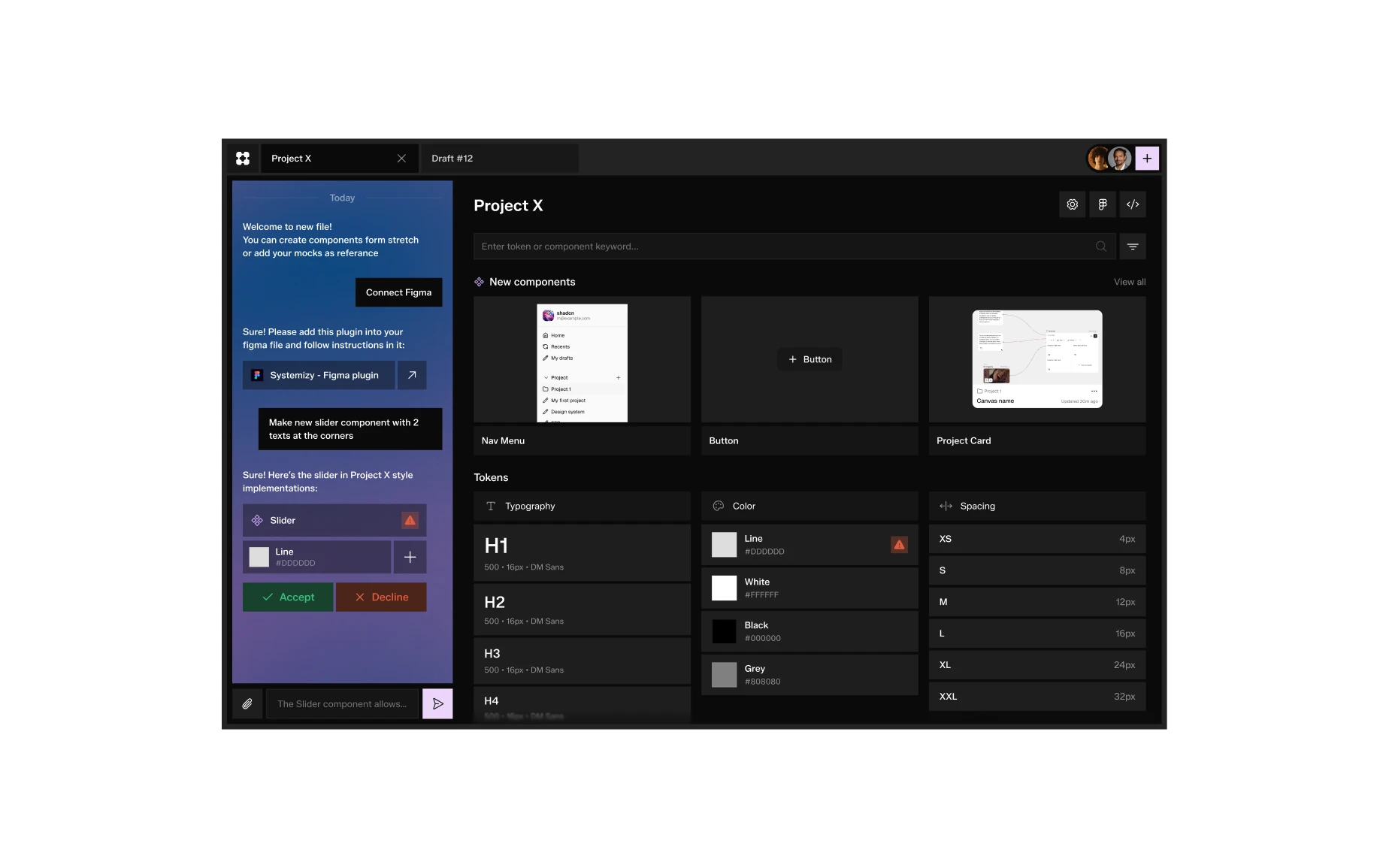
Generate components, tokens and styles with AI. Organize everything in workspaces and export directly to Figma.

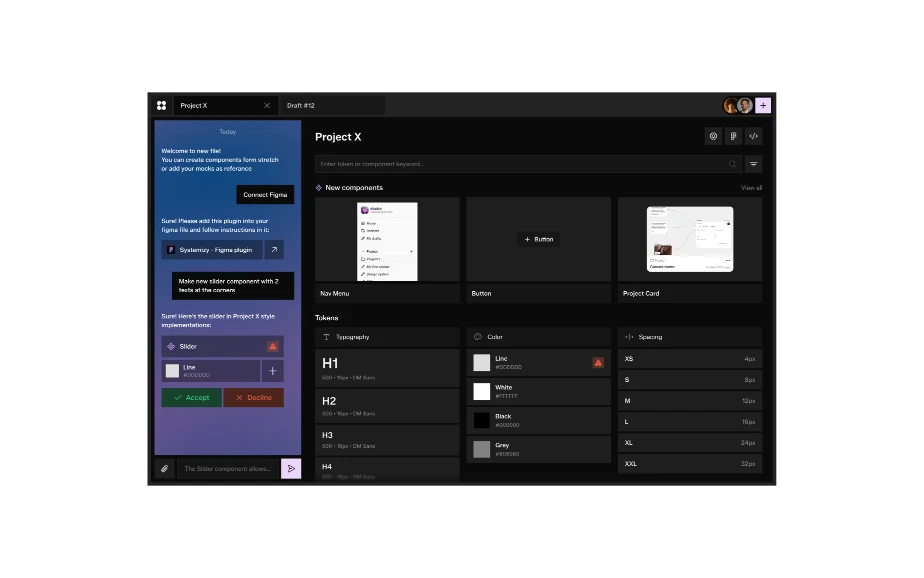
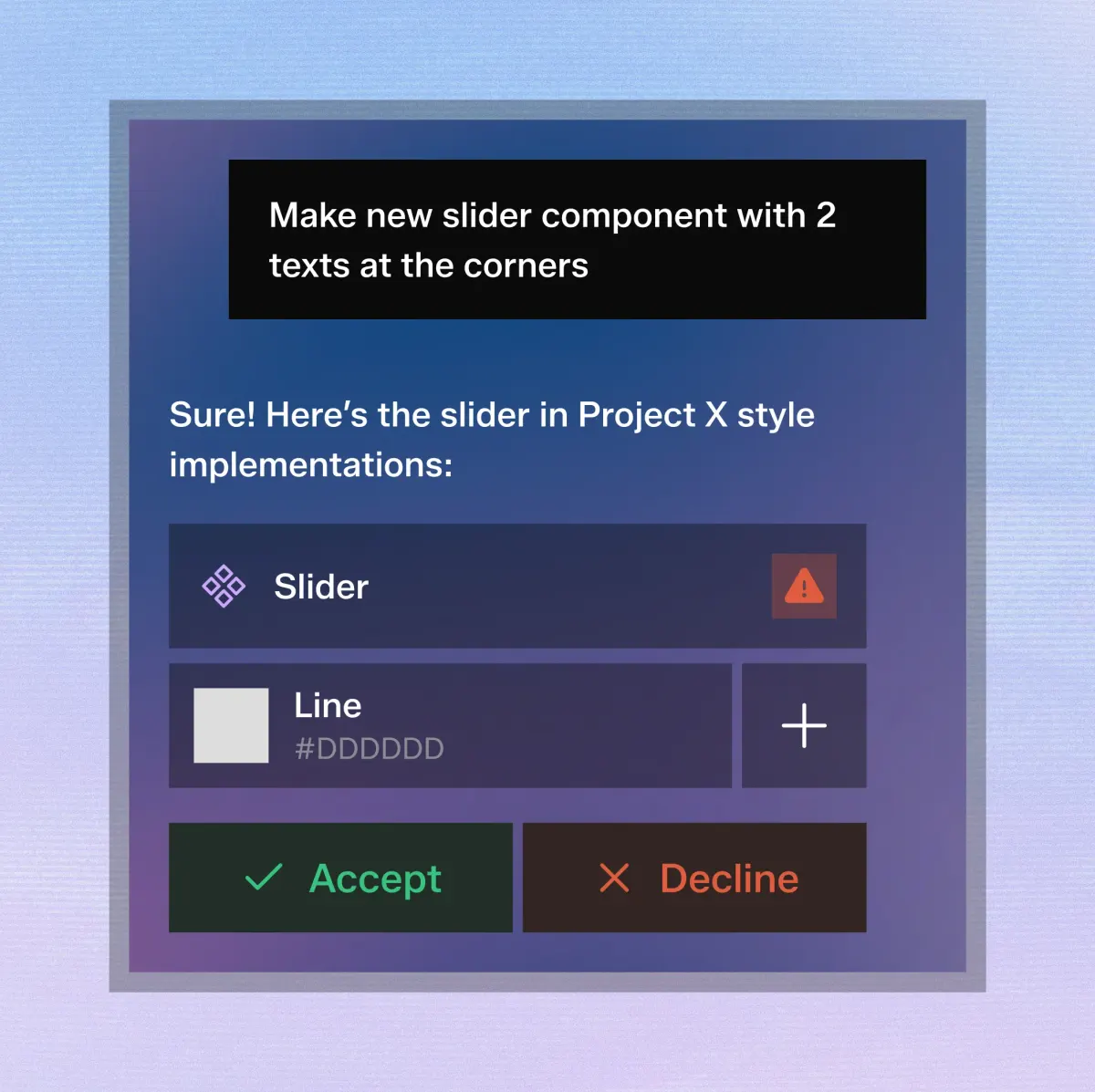
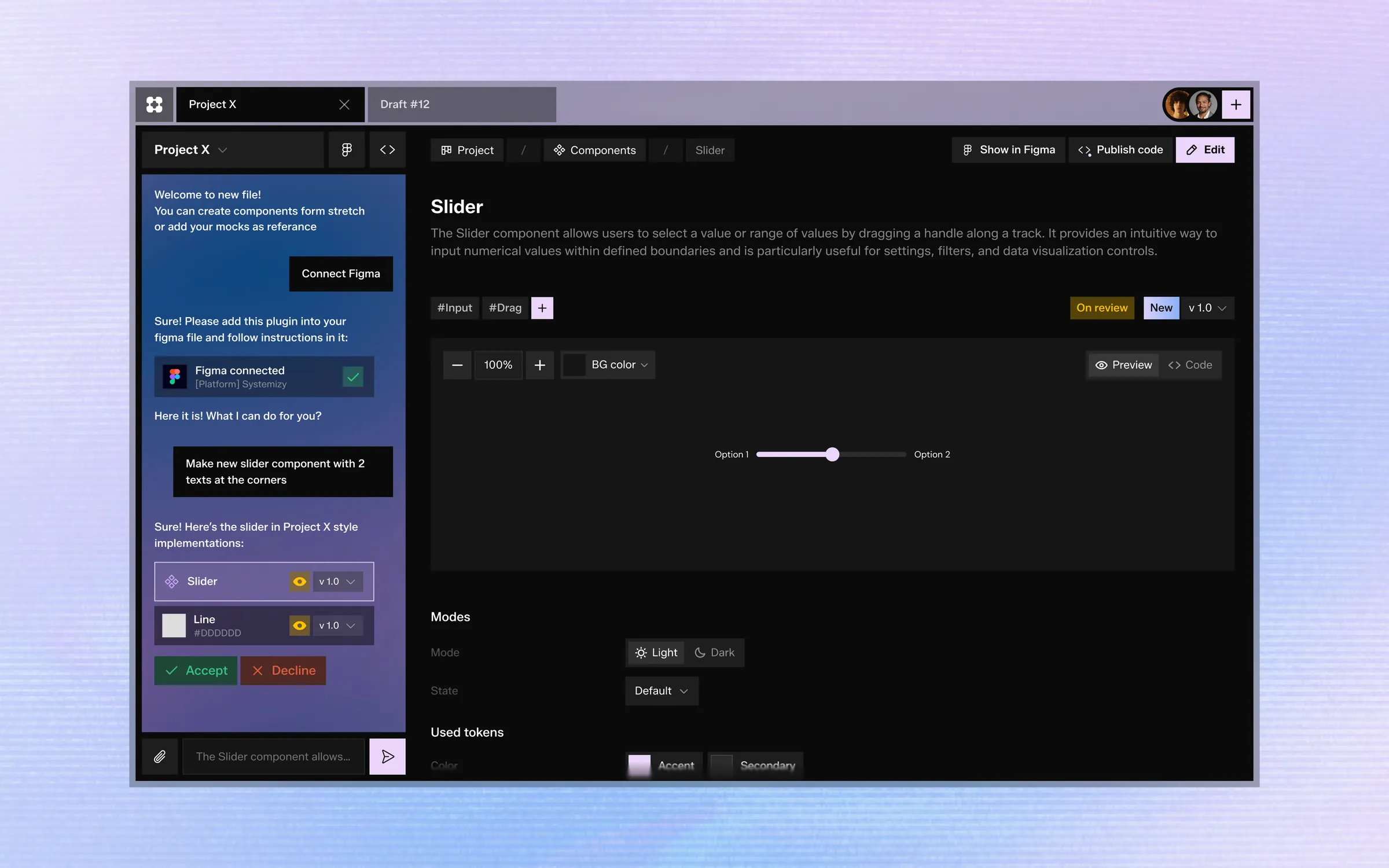
Describe any component in plain English and let AI generate production-ready design components.
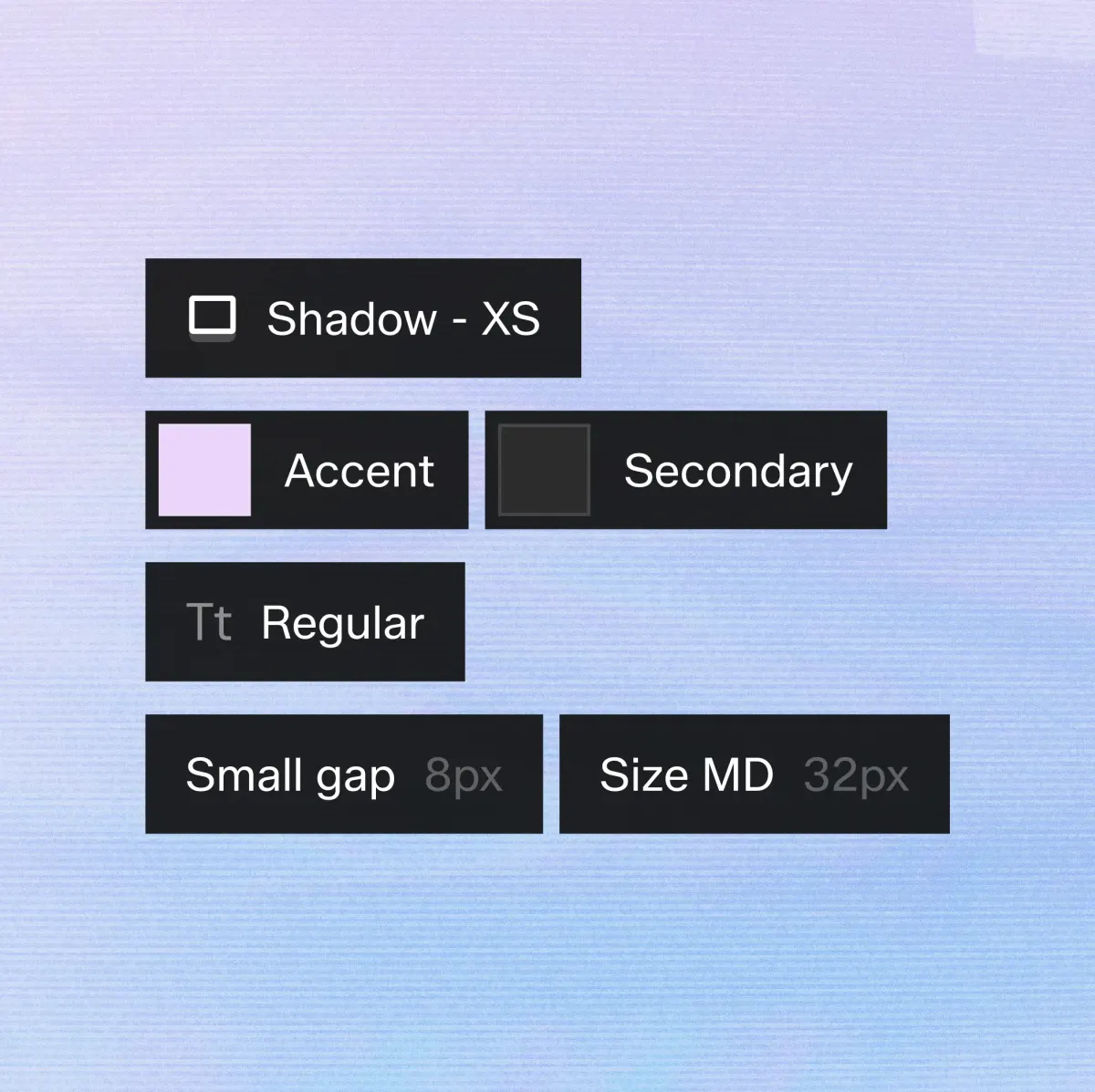
Generate and edit typography, spacing, colors, shadows and every token your system needs.
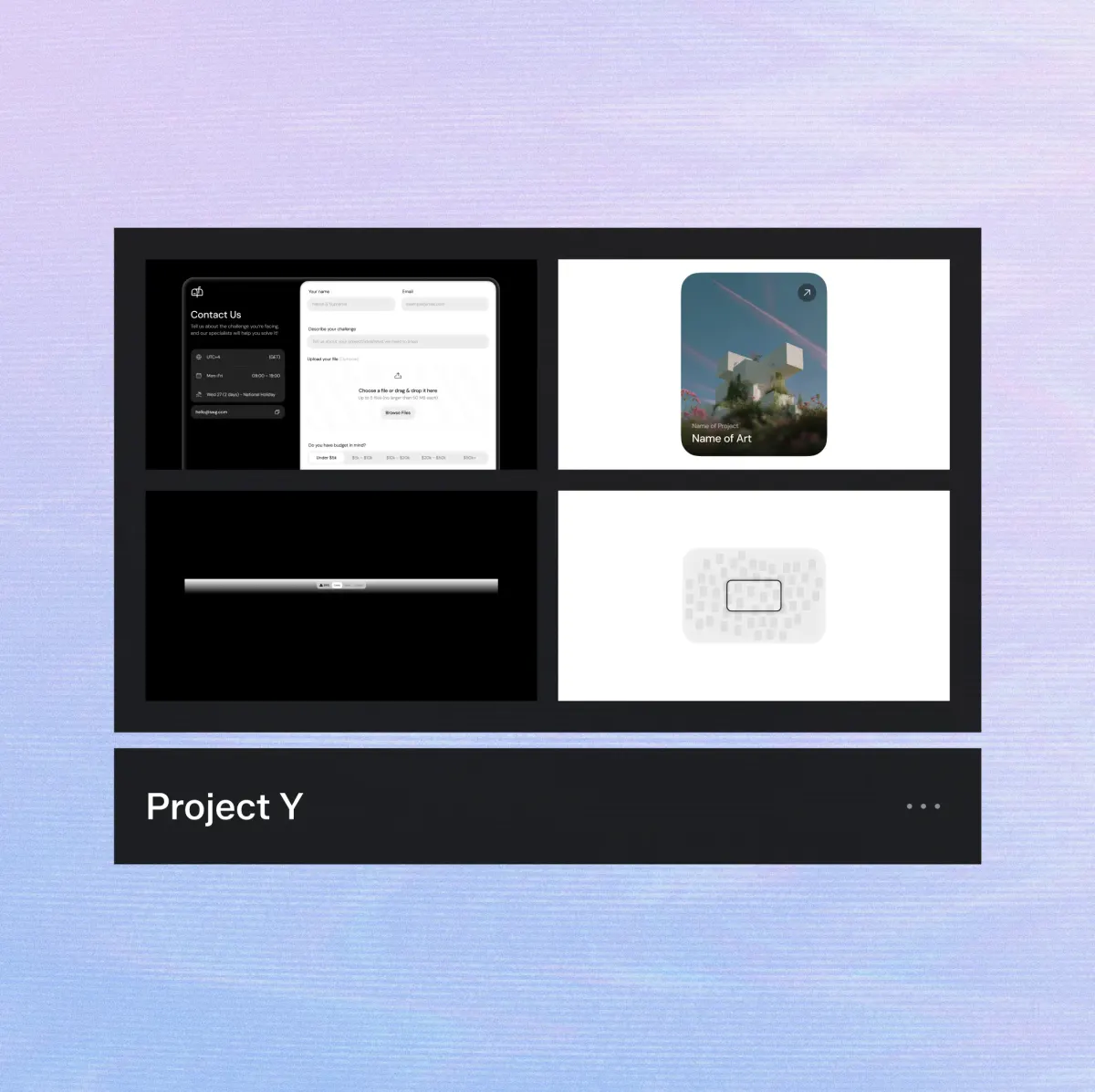
Keep multiple design systems separated using dedicated workspaces with groups, filters and tags.
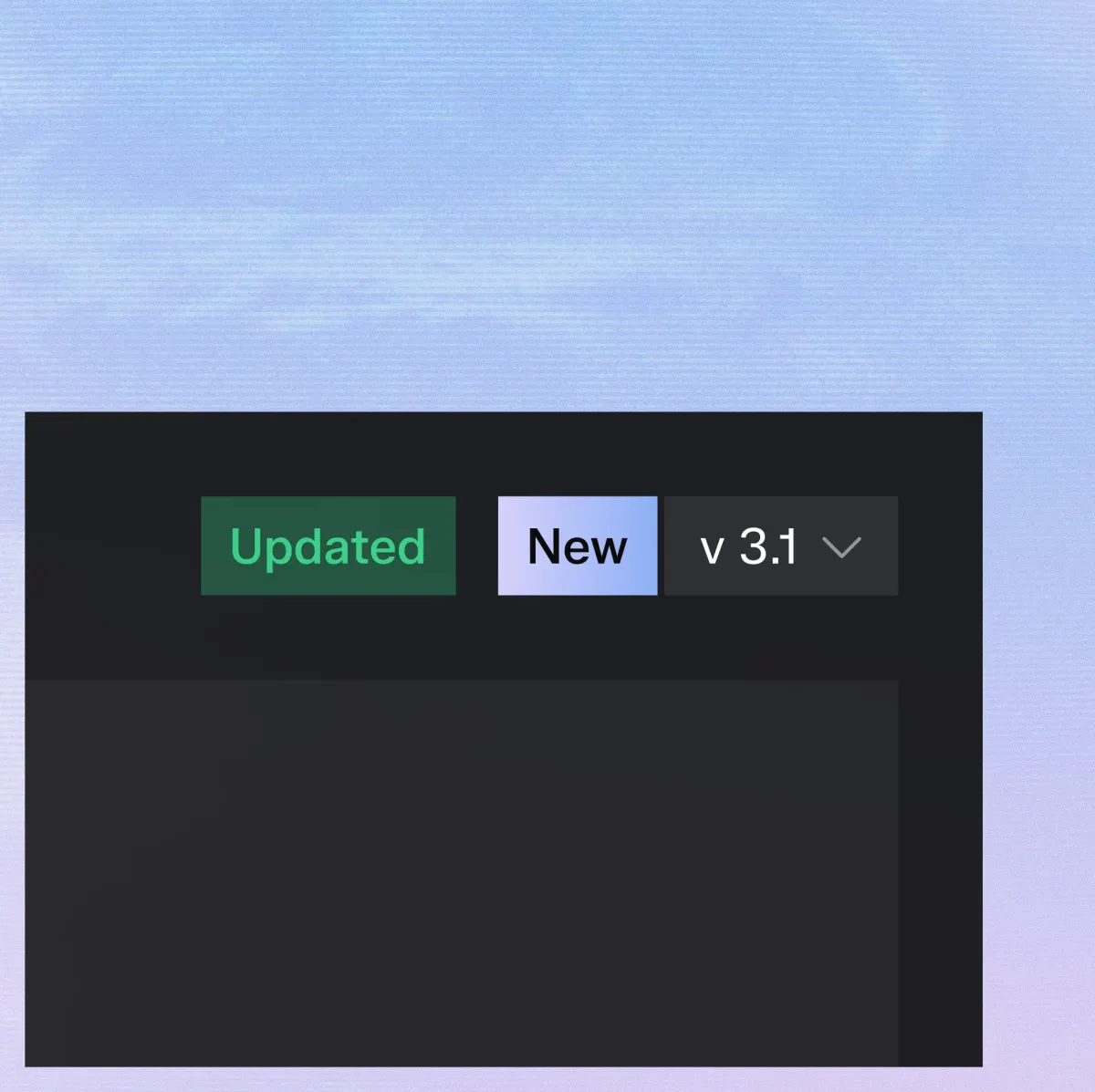
Browse previous versions of every component and instantly restore any iteration.
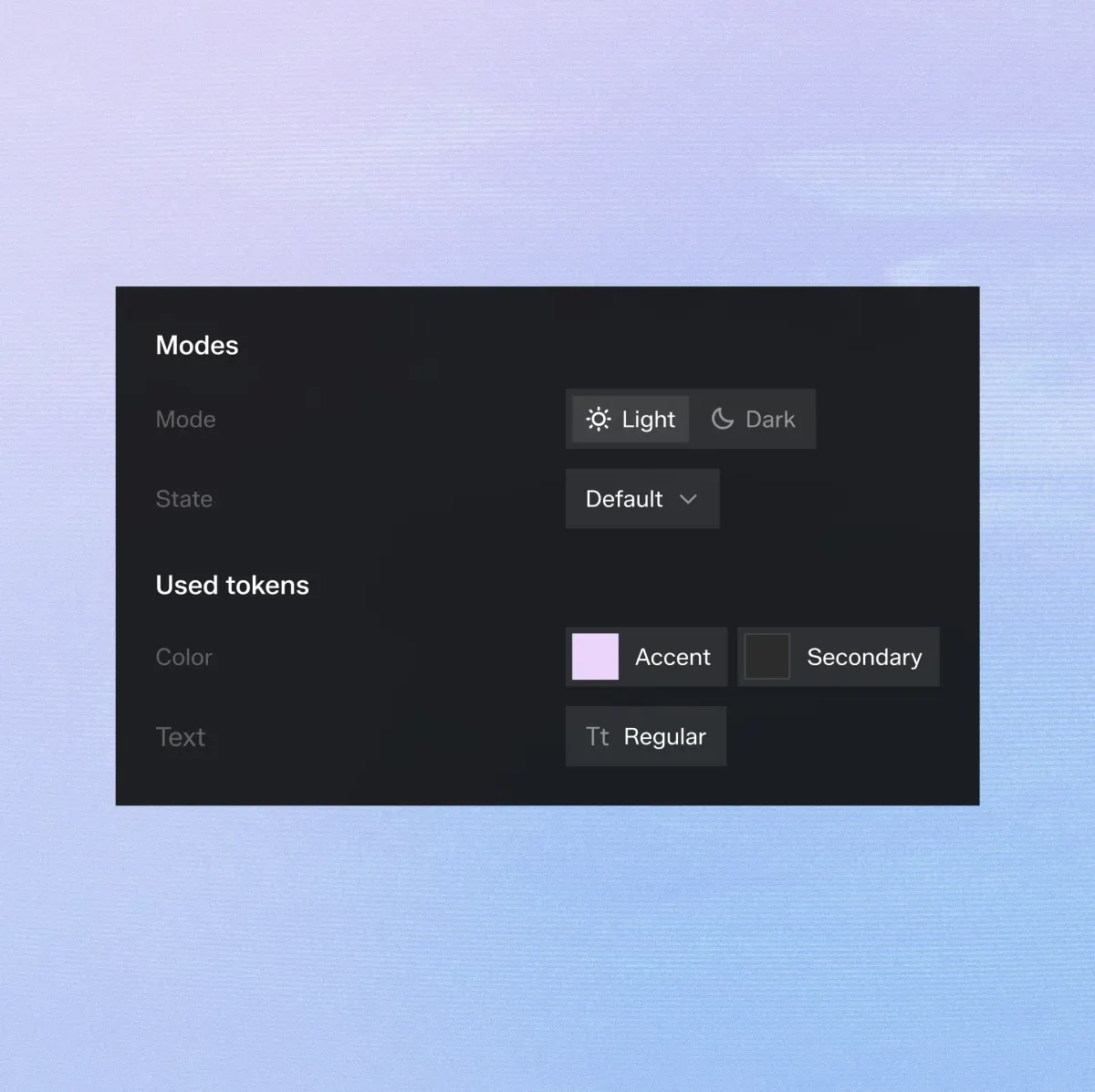
Edit individual states, variants and properties without rebuilding the component.
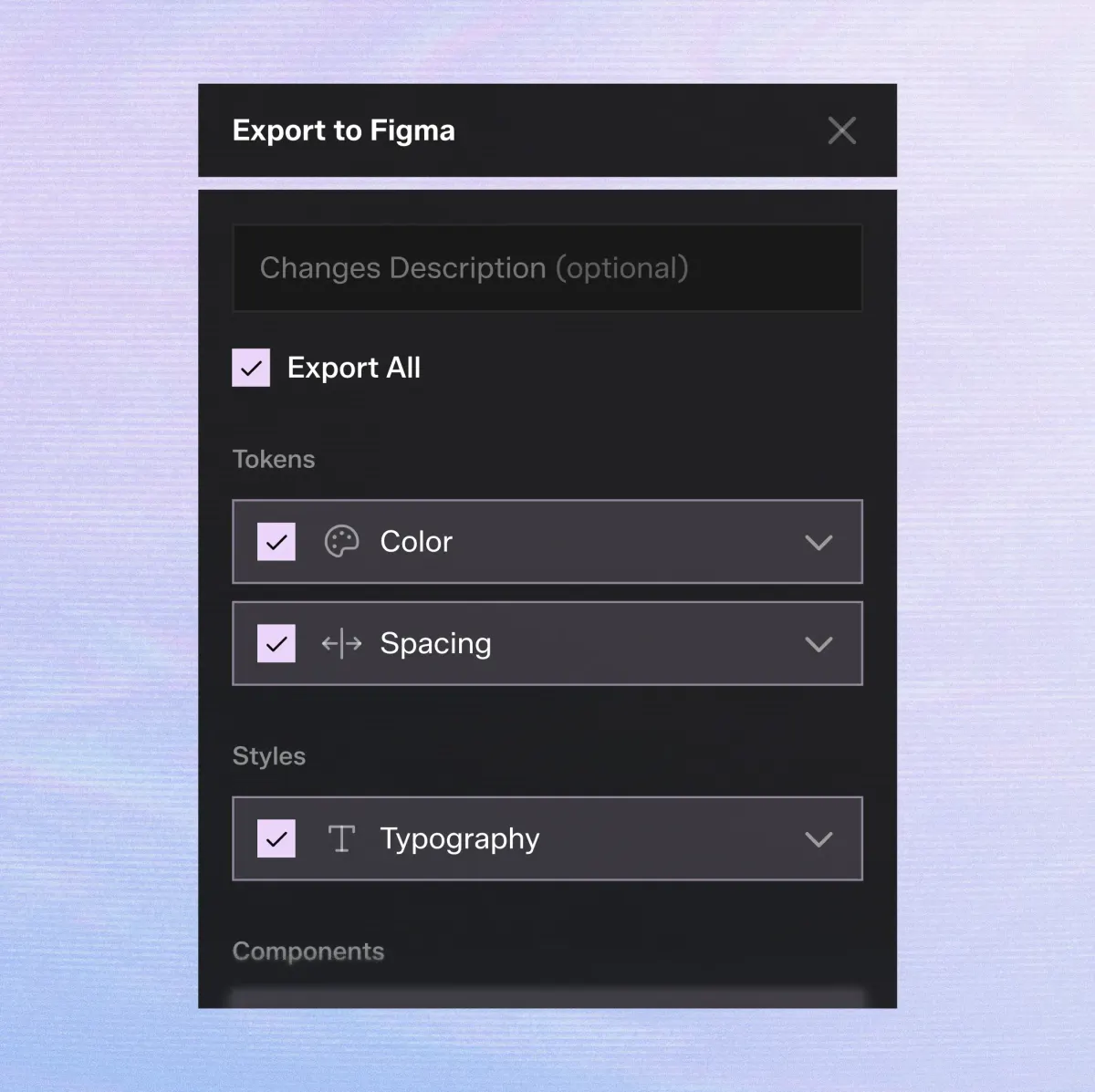
Export your complete design system or only selected components directly into Figma.
Describe any component in plain English and let AI generate production-ready design components.
Generate and edit typography, spacing, colors, shadows and every token your system needs.
Keep multiple design systems separated using dedicated workspaces with groups, filters and tags.
Browse previous versions of every component and instantly restore any iteration.
Edit individual states, variants and properties without rebuilding the component.
Export your complete design system or only selected components directly into Figma.
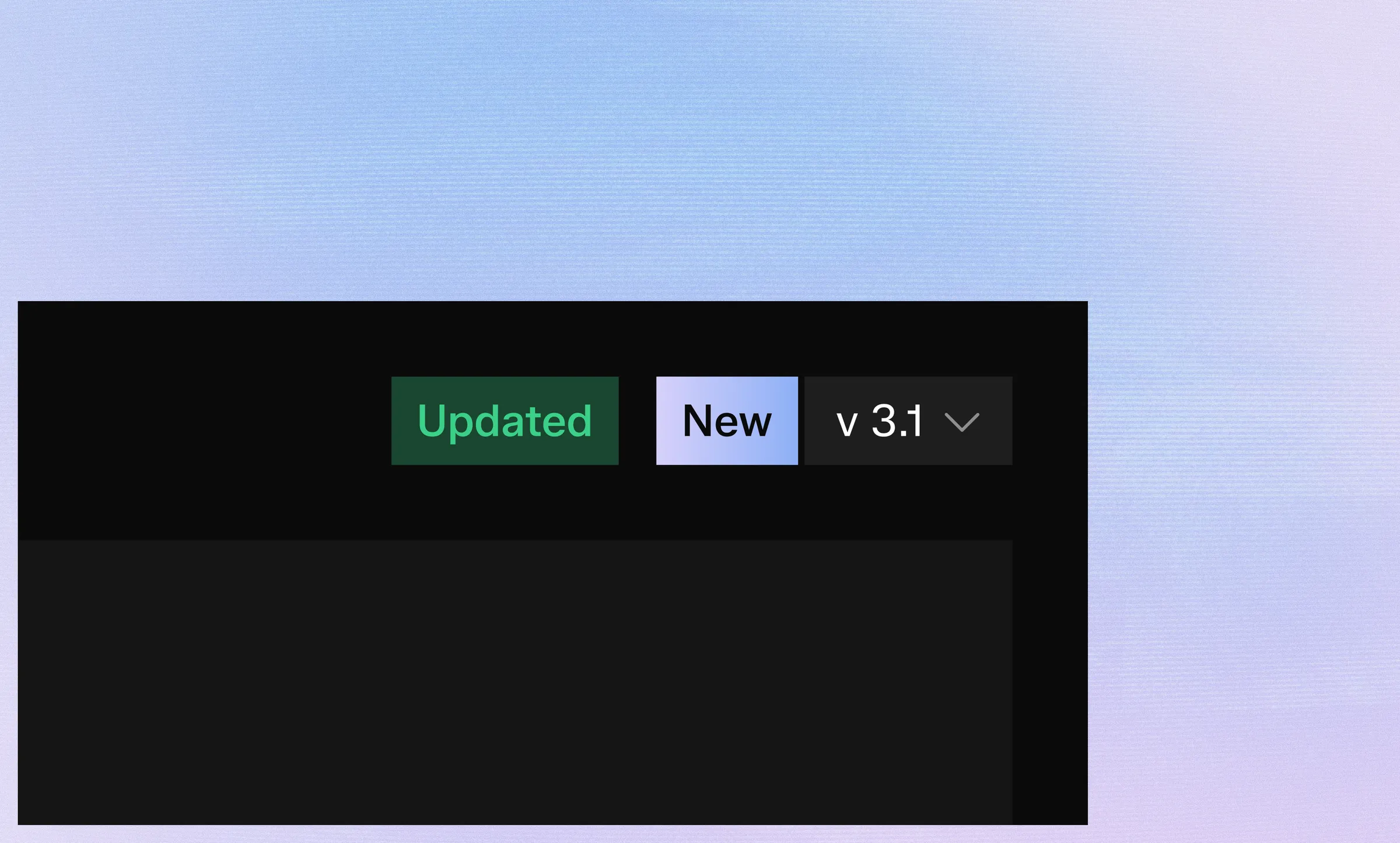
Every change is stored as a version.
Compare previous iterations, restore older variants or continue editing without worrying about breaking your design system.
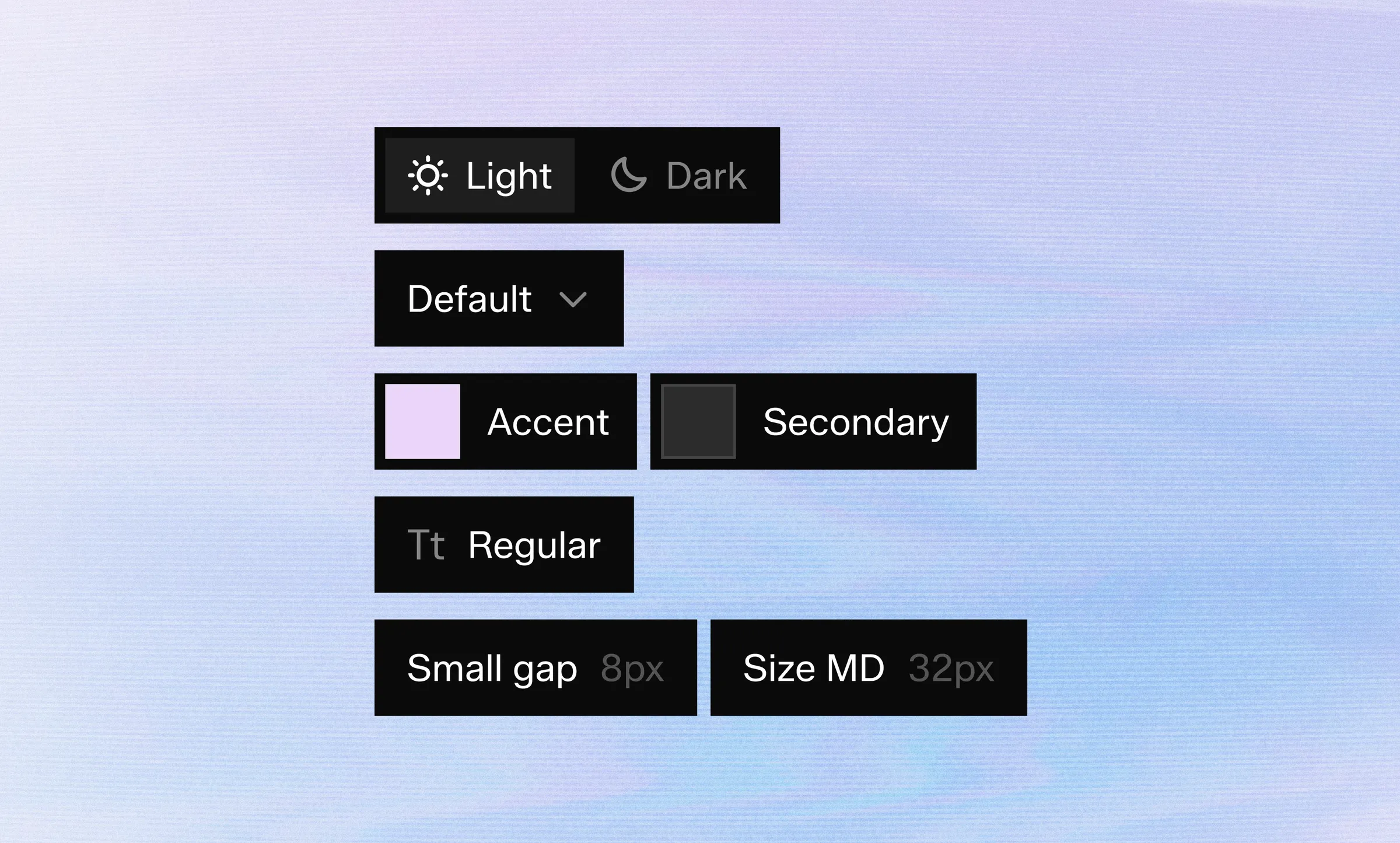
Build a consistent foundation before creating a single component.
Generate typography scales, spacing systems, color palettes and semantic tokens with AI.
Every change is stored as a version.
Compare previous iterations, restore older variants or continue editing without worrying about breaking your design system.
Build a consistent foundation before creating a single component.
Generate typography scales, spacing systems, color palettes and semantic tokens with AI.
Once your design system is ready, send everything into your Figma file with one click.
Choose exactly what you want to export:
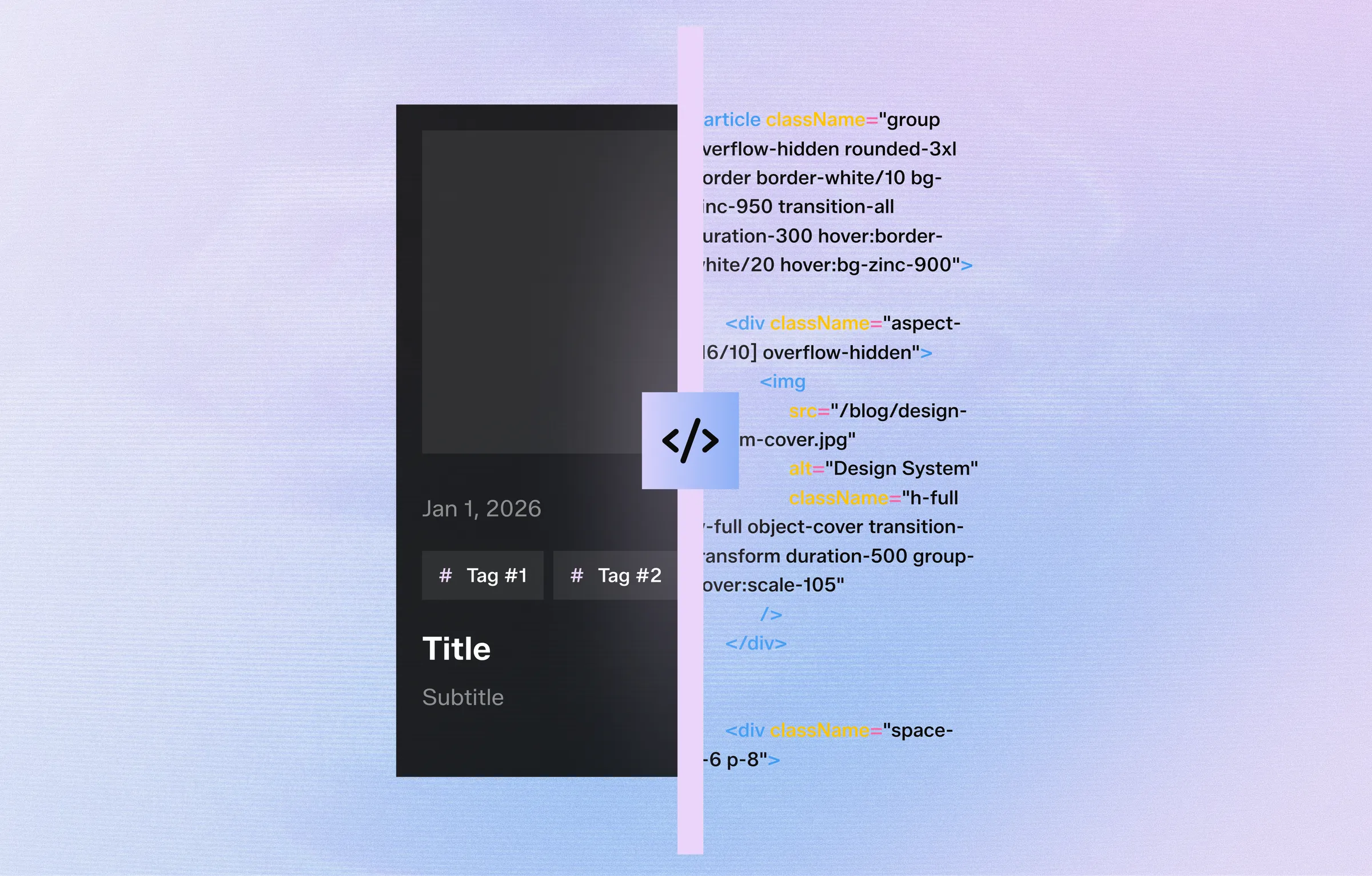
Preview generated code for every component directly inside Systemizy:
Developers receive consistent, production-ready implementations.
Once your design system is ready, send everything into your Figma file with one click.
Choose exactly what you want to export:
Preview generated code for every component directly inside Systemizy:
Developers receive consistent, production-ready implementations.
Start for free today. Upgrade only when your workflow grows.