Spaces were built to keep projects apart. As teams moved whole product families into Systemizy, the next question was obvious: how do you find the one component you need among hundreds? Today we're releasing extended filters for every space.
1. Filter by What Actually Matters
The filter bar now understands the structure of your design system, not just names.
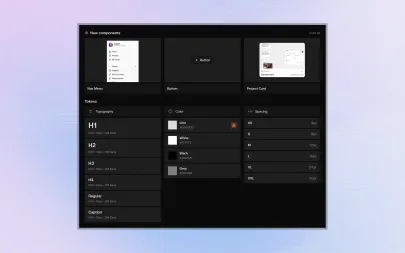
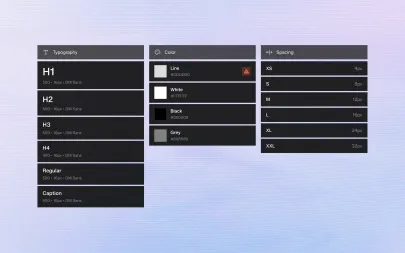
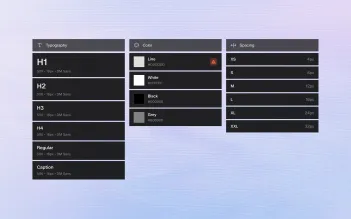
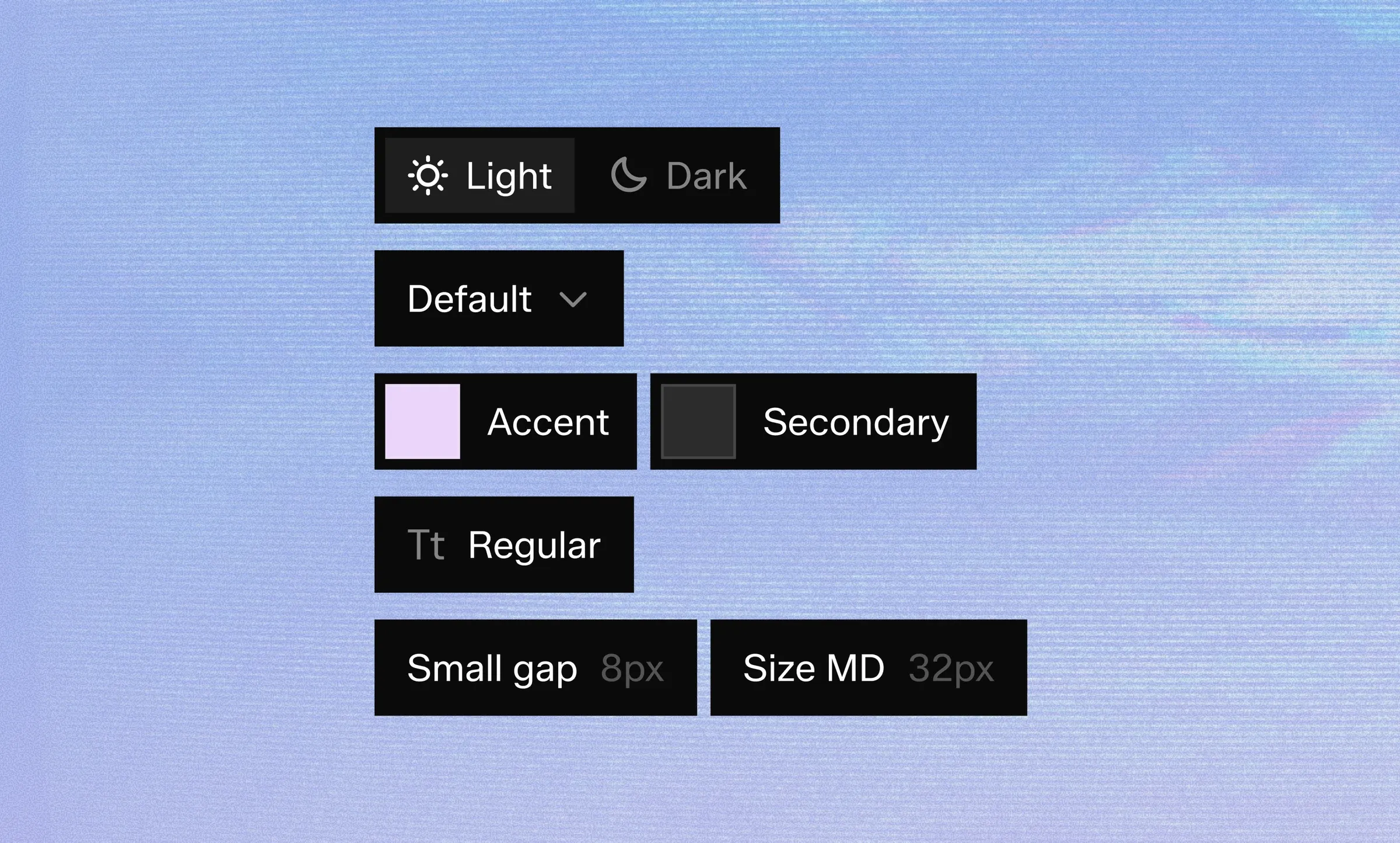
You can narrow a space by component status (Draft, In review, Updated, Deprecated), by token type (color, typography, spacing, radius, effects), by owner and by the date of the last change.
Filters combine, so "typography tokens updated this week by the web team" is now a two-second question.
2. Saved Filters
Any combination of filters can be saved and named.
Saved filters appear in the sidebar of every workspace you have access to, so a "Needs review" view built by one designer is available to the whole team.
Each saved filter keeps its own sort order and remembers whether you prefer the grid or the list layout.
3. Status Chips on Every Card
Component cards now show their status at a glance.
"Updated" marks anything changed since you last opened the space, "New" marks components created in the last seven days and the version chip opens the component's history in one click.
4. Faster Search Inside Filters
Search now runs inside the active filter instead of across the whole space.
Results update as you type, matching component names, property names, token values and descriptions.
5. Availability
Extended filters are available today on every plan.
Saved filters shared across workspaces are part of the Professional and Team plans. If you're on the free trial, you can try both for the full 14 days.
Read the Workspaces & filters guide for a walkthrough, or book a demo and we'll show you how other teams organise their spaces.
Spaces were built to keep projects apart. As teams moved whole product families into Systemizy, the next question was obvious: how do you find the one component you need among hundreds? Today we're releasing extended filters for every space.
1. Filter by What Actually Matters
The filter bar now understands the structure of your design system, not just names.
You can narrow a space by component status (Draft, In review, Updated, Deprecated), by token type (color, typography, spacing, radius, effects), by owner and by the date of the last change.
Filters combine, so "typography tokens updated this week by the web team" is now a two-second question.
2. Saved Filters
Any combination of filters can be saved and named.
Saved filters appear in the sidebar of every workspace you have access to, so a "Needs review" view built by one designer is available to the whole team.
Each saved filter keeps its own sort order and remembers whether you prefer the grid or the list layout.
3. Status Chips on Every Card
Component cards now show their status at a glance.
"Updated" marks anything changed since you last opened the space, "New" marks components created in the last seven days and the version chip opens the component's history in one click.
4. Faster Search Inside Filters
Search now runs inside the active filter instead of across the whole space.
Results update as you type, matching component names, property names, token values and descriptions.
5. Availability
Extended filters are available today on every plan.
Saved filters shared across workspaces are part of the Professional and Team plans. If you're on the free trial, you can try both for the full 14 days.
Read the Workspaces & filters guide for a walkthrough, or book a demo and we'll show you how other teams organise their spaces.