A scalable design system isn't defined by the number of components it contains. It's defined by how easy those components are to understand, update and reuse over time.
1. Start with Foundations
Before creating a single UI component, establish the foundation of your system.
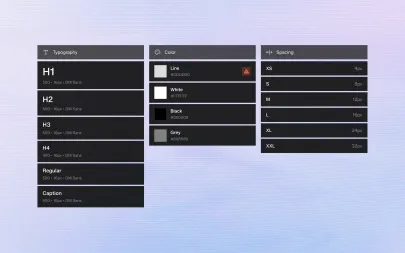
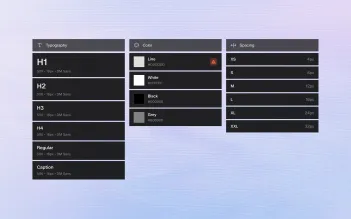
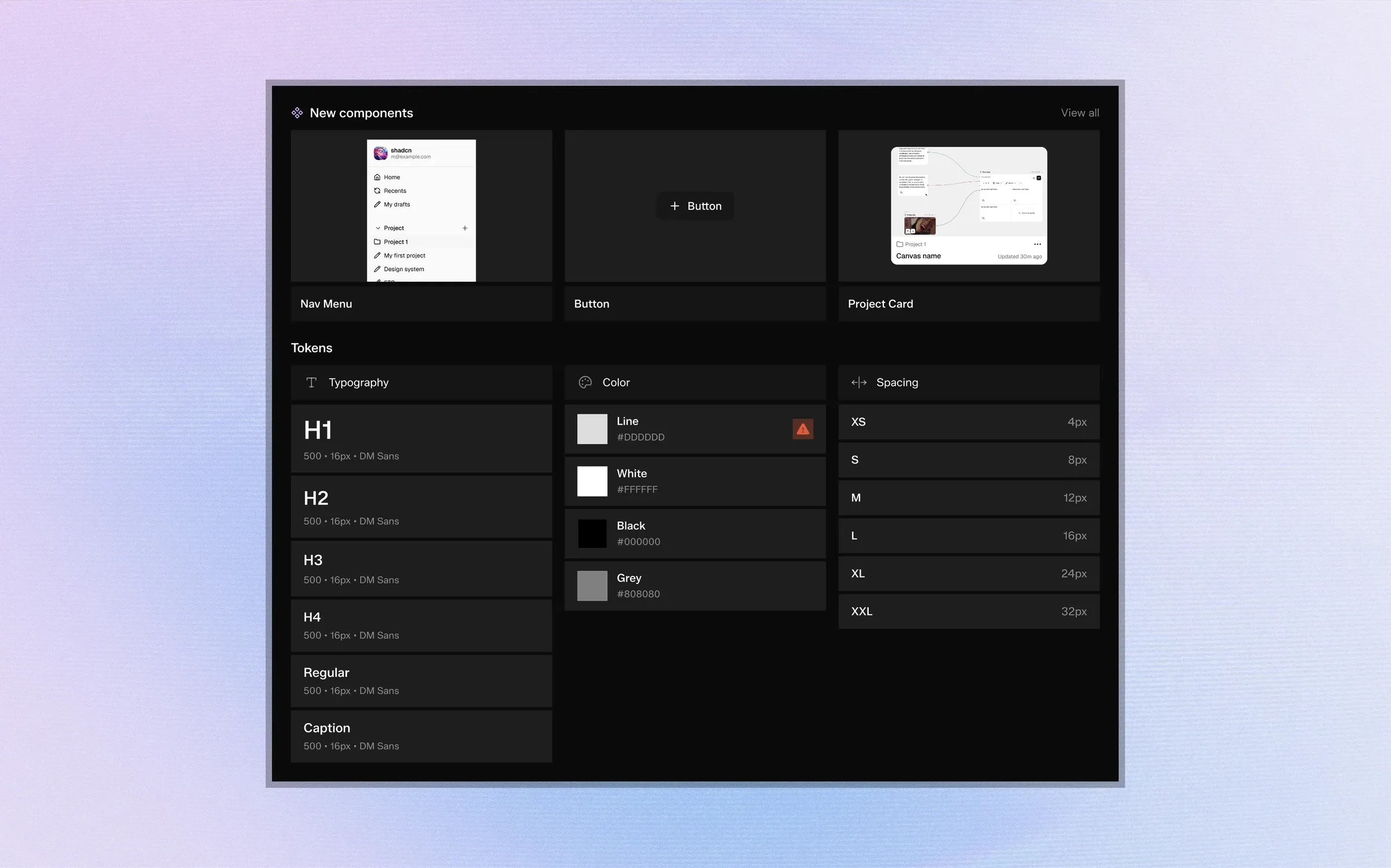
Typography, spacing, colors, border radius and elevation should all be treated as reusable design tokens rather than isolated values. This approach creates consistency across the entire product and makes future updates significantly easier.
Instead of editing dozens of components individually, designers can update a single token and propagate changes throughout the system.
2. Organize Components Around Real Use Cases
Avoid creating components for every possible variation.
Instead, identify the patterns that appear repeatedly across your product and build flexible components with clearly defined properties and states.
A well-designed button component should support different sizes, variants and interaction states without requiring multiple copies.
The same principle applies to inputs, cards, navigation elements and every reusable pattern in your interface.
3. Version Everything
Design systems evolve constantly.
New requirements emerge, products expand and interfaces change.
Maintaining a version history allows teams to experiment confidently, compare previous iterations and restore earlier versions whenever necessary.
Versioning transforms a design system from a static library into a living product.
4. Keep Projects Separate
Many teams manage several products at once.
Without proper organization, components from different projects quickly become mixed together.
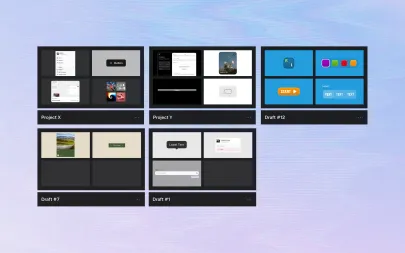
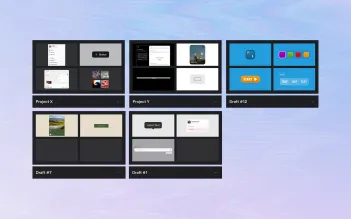
Using dedicated workspaces with tags, filters and collections helps maintain clear boundaries while still allowing teams to reuse shared foundations where appropriate.
5. Use AI to Remove Repetitive Work
Artificial intelligence shouldn't replace design decisions.
Instead, it should automate repetitive tasks like generating initial components, creating typography scales or building semantic color systems.
Designers remain responsible for refining interactions, accessibility and visual quality while AI accelerates the initial setup.
6. Think Beyond Figma
Modern design systems don't end inside a design file.
They become the shared language between designers and developers.
Exporting components, tokens and variables directly into development workflows reduces manual work and keeps implementation aligned with design decisions.
7. Conclusion
A successful design system isn't measured by how many components it contains. It's measured by how consistently those components help teams build better products.
By combining reusable foundations, structured organization, version history and AI-assisted workflows, teams can spend less time maintaining their systems and more time designing meaningful experiences.
A scalable design system isn't defined by the number of components it contains. It's defined by how easy those components are to understand, update and reuse over time.
1. Start with Foundations
Before creating a single UI component, establish the foundation of your system.
Typography, spacing, colors, border radius and elevation should all be treated as reusable design tokens rather than isolated values. This approach creates consistency across the entire product and makes future updates significantly easier.
Instead of editing dozens of components individually, designers can update a single token and propagate changes throughout the system.
2. Organize Components Around Real Use Cases
Avoid creating components for every possible variation.
Instead, identify the patterns that appear repeatedly across your product and build flexible components with clearly defined properties and states.
A well-designed button component should support different sizes, variants and interaction states without requiring multiple copies.
The same principle applies to inputs, cards, navigation elements and every reusable pattern in your interface.
3. Version Everything
Design systems evolve constantly.
New requirements emerge, products expand and interfaces change.
Maintaining a version history allows teams to experiment confidently, compare previous iterations and restore earlier versions whenever necessary.
Versioning transforms a design system from a static library into a living product.
4. Keep Projects Separate
Many teams manage several products at once.
Without proper organization, components from different projects quickly become mixed together.
Using dedicated workspaces with tags, filters and collections helps maintain clear boundaries while still allowing teams to reuse shared foundations where appropriate.
5. Use AI to Remove Repetitive Work
Artificial intelligence shouldn't replace design decisions.
Instead, it should automate repetitive tasks like generating initial components, creating typography scales or building semantic color systems.
Designers remain responsible for refining interactions, accessibility and visual quality while AI accelerates the initial setup.
6. Think Beyond Figma
Modern design systems don't end inside a design file.
They become the shared language between designers and developers.
Exporting components, tokens and variables directly into development workflows reduces manual work and keeps implementation aligned with design decisions.
7. Conclusion
A successful design system isn't measured by how many components it contains. It's measured by how consistently those components help teams build better products.
By combining reusable foundations, structured organization, version history and AI-assisted workflows, teams can spend less time maintaining their systems and more time designing meaningful experiences.