Agencies, platform teams and growing companies all end up in the same place: several products, several brands and one team trying to keep every library in order.
1. Separate by Default
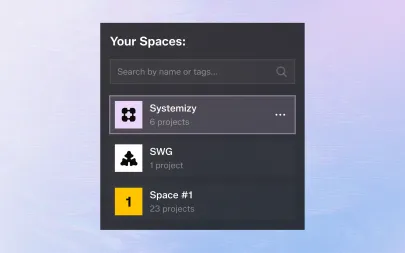
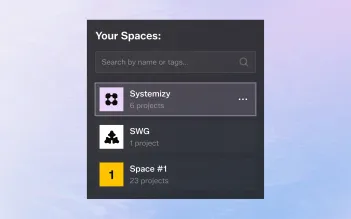
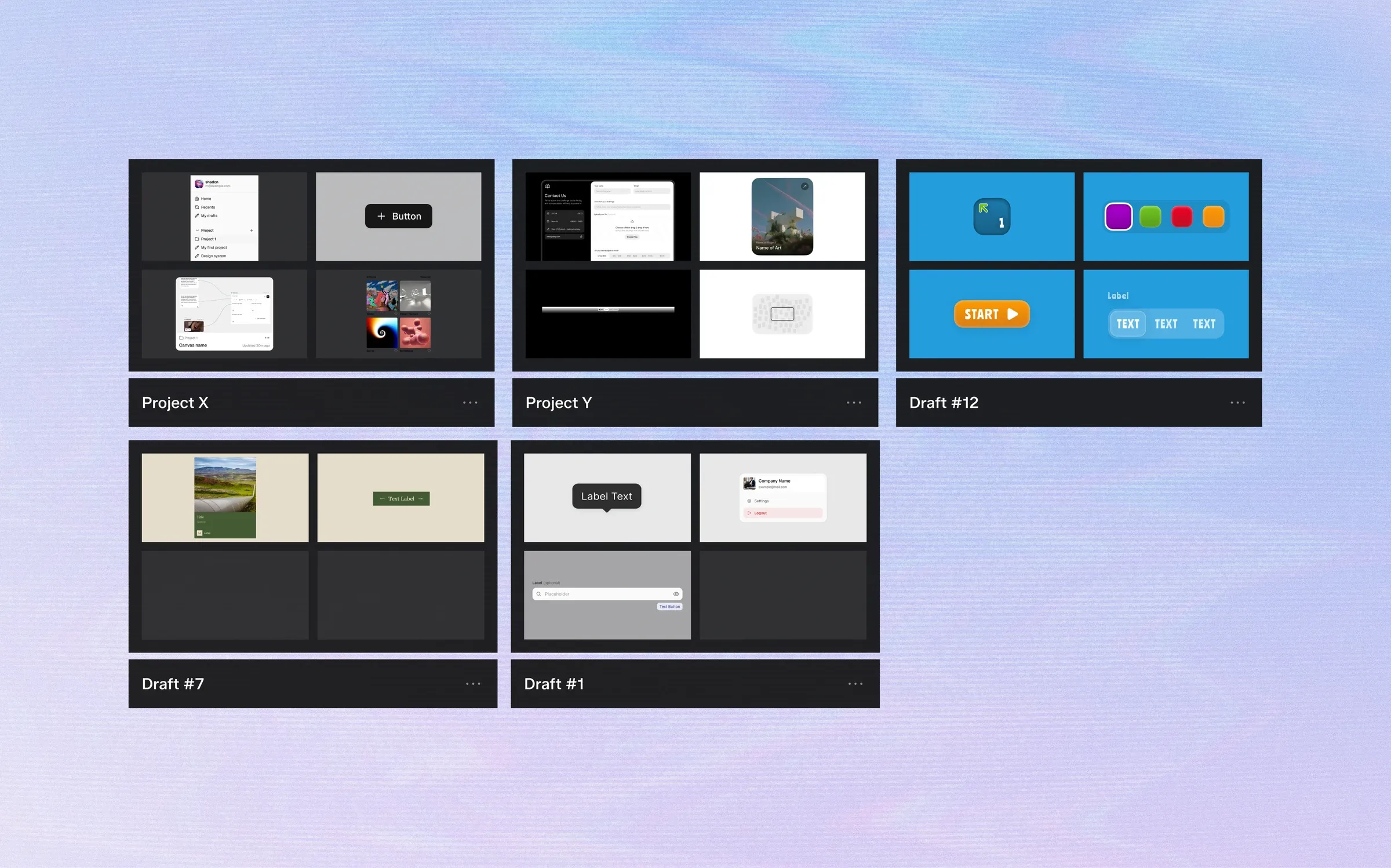
Give every product or client its own workspace.
Components, tokens and history stay inside that boundary, so a change for one brand can never leak into another.
2. Share Foundations Deliberately
Some things should be shared: an icon set, an accessibility checklist, a base spacing scale.
Keep those in a dedicated shared space and link to them, instead of copying them into every project where they slowly drift apart.
3. Use Tags and Filters, Not Folders
Folders force every component into one place.
Tags let a single component be "Forms", "Mobile" and "In review" at the same time, and filters let each person see the slice they need.
4. Name Things Predictably
Consistent naming across workspaces makes switching context painless.
If a button is called Button in one system, it shouldn't be called CTA in another.
5. Review Regularly
Schedule a short library review every sprint.
Archive what nobody uses, merge near-duplicates and update descriptions. A small, honest library beats a large, confusing one.
Agencies, platform teams and growing companies all end up in the same place: several products, several brands and one team trying to keep every library in order.
1. Separate by Default
Give every product or client its own workspace.
Components, tokens and history stay inside that boundary, so a change for one brand can never leak into another.
2. Share Foundations Deliberately
Some things should be shared: an icon set, an accessibility checklist, a base spacing scale.
Keep those in a dedicated shared space and link to them, instead of copying them into every project where they slowly drift apart.
3. Use Tags and Filters, Not Folders
Folders force every component into one place.
Tags let a single component be "Forms", "Mobile" and "In review" at the same time, and filters let each person see the slice they need.
4. Name Things Predictably
Consistent naming across workspaces makes switching context painless.
If a button is called Button in one system, it shouldn't be called CTA in another.
5. Review Regularly
Schedule a short library review every sprint.
Archive what nobody uses, merge near-duplicates and update descriptions. A small, honest library beats a large, confusing one.