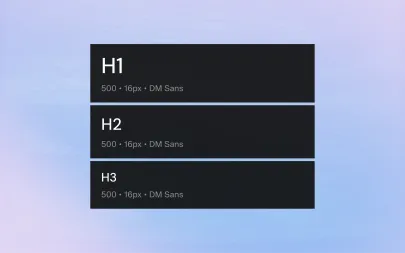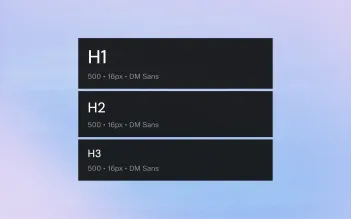
Handoff used to mean a set of annotated screens and a long thread of questions. With a shared system, it becomes a set of names both sides already understand.
1. Speak the Same Language
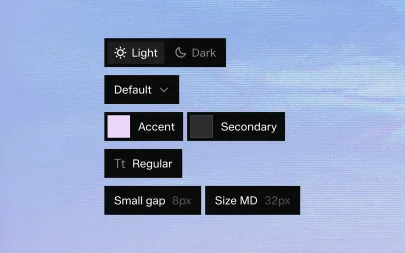
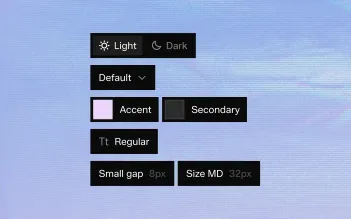
When a designer says "secondary button, size M" and a developer finds a component with exactly those props, handoff is almost instant.
Align names, properties and states between the design library and the codebase.
2. Ship Tokens as Code
Hard-coded values are where implementations drift.
Export tokens as CSS variables or platform constants and use them everywhere — including in the components themselves.
3. Mirror Component Structure
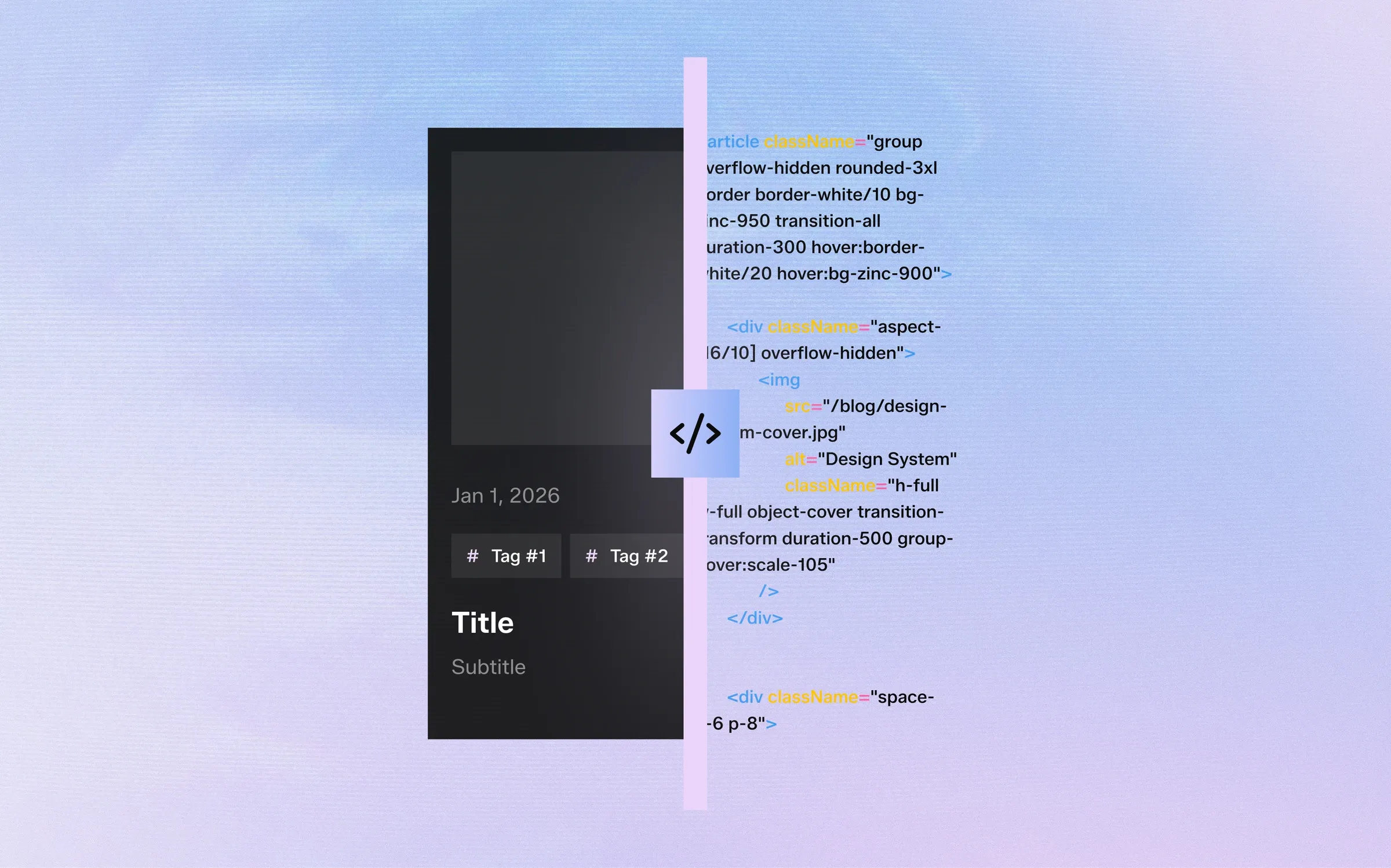
A design component with auto layout, padding and gap maps directly to flexbox.
Keeping that structure identical in both places makes visual differences easy to spot and easy to fix.
4. Automate the Boring Checks
Compare implementations against the design automatically: sizes, colors, spacing and typography.
Save human review for interaction and behaviour.
5. Close the Loop
When code reveals a missing state or an impossible layout, update the design system — not just the code. The system only stays true if both sides change together.
Handoff used to mean a set of annotated screens and a long thread of questions. With a shared system, it becomes a set of names both sides already understand.
1. Speak the Same Language
When a designer says "secondary button, size M" and a developer finds a component with exactly those props, handoff is almost instant.
Align names, properties and states between the design library and the codebase.
2. Ship Tokens as Code
Hard-coded values are where implementations drift.
Export tokens as CSS variables or platform constants and use them everywhere — including in the components themselves.
3. Mirror Component Structure
A design component with auto layout, padding and gap maps directly to flexbox.
Keeping that structure identical in both places makes visual differences easy to spot and easy to fix.
4. Automate the Boring Checks
Compare implementations against the design automatically: sizes, colors, spacing and typography.
Save human review for interaction and behaviour.
5. Close the Loop
When code reveals a missing state or an impossible layout, update the design system — not just the code. The system only stays true if both sides change together.